
10 Very Simple Shortcuts You Aren't Using That'll Simplify Your Life
- 11:10 am January 25, 2021
- suhas
With WFH becoming the new normal, it is almost mandatory to know how to use the technology at its optimum best! There are so many shortcuts that you can use on your Keyboard but you aren't because you don't know about it! Here are some of them!
Snipping tool
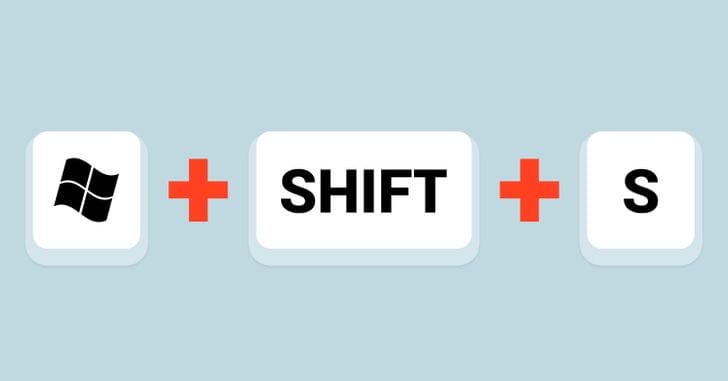
If you are using Windows 10 or a MAC, you are in for a roaring luck because this one can be only used in these 2! In order to just capture a part of the active screen, press the Windows logo key + Shift + S, and select the part of the screen you want to save. The same thing can be done in MAC by the combination of Command + Shift + 4!
Lock Windows

Incase you want to lock your windows, you can do it by clicking the Windows logo key and the letter L. In MAC, the same thing can be done by using the combination of : Control + Shift + Power.
Open Chrome In Incognito
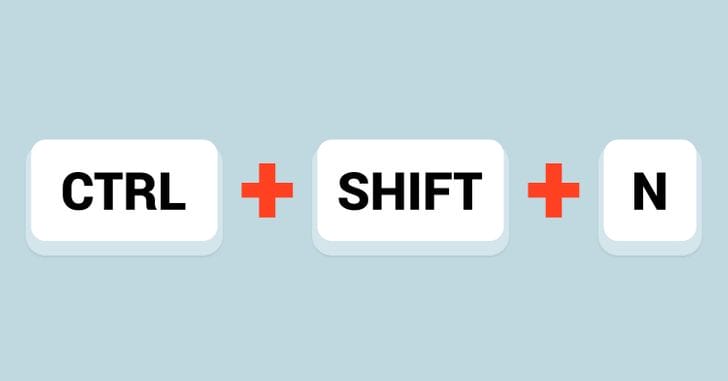
Wanna open your chrome in Incognito without trying to look for the Incognito button? Just Ctrl + N and Ctrl + T and you are done. In MAC the same thing can be achieved by using the combination of Command + Shift + N.
Open a recently-closed tab

A lot of times we just end up shutting tabs by mistake. So how to open recently closed tabs? By using the combination of Ctrl + Shift + T. MAC users can do the same with Command + Shift + T.
Open links in a new tab without going into that tab
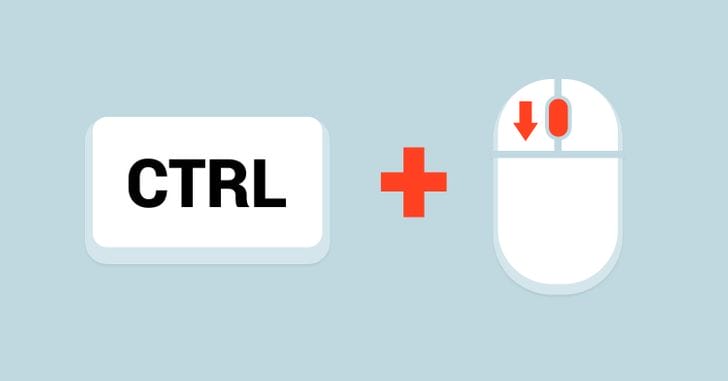
Confused or intrigued? Well, this is possible! To remain on the search page and open all search results that you wish to open in separate tabs, hold the Ctrl key while clicking the link. Interesting, right?
The Emoji Keyboard
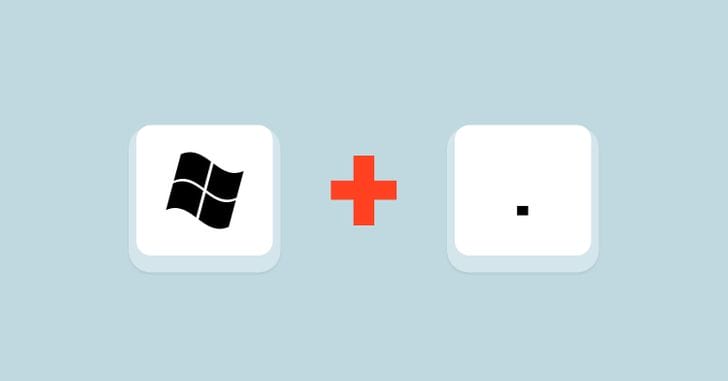
We bet you didn't know about the Emoji keyboard, did you? Pressing the Windows key and the Period (full stop) key will display the Emoji keyboard. MAC users can do the same by using the combination of Command + Control + Spacebar.